 GyeolGYEOL
Say it,
and it changes
Just type one line like “Add strawberry latte, 6,500 won” and it goes straight onto your menu. Change only the Korean, and one button updates the other languages. No hunting through complicated fields.
What the workspace does
Gyeol assistant
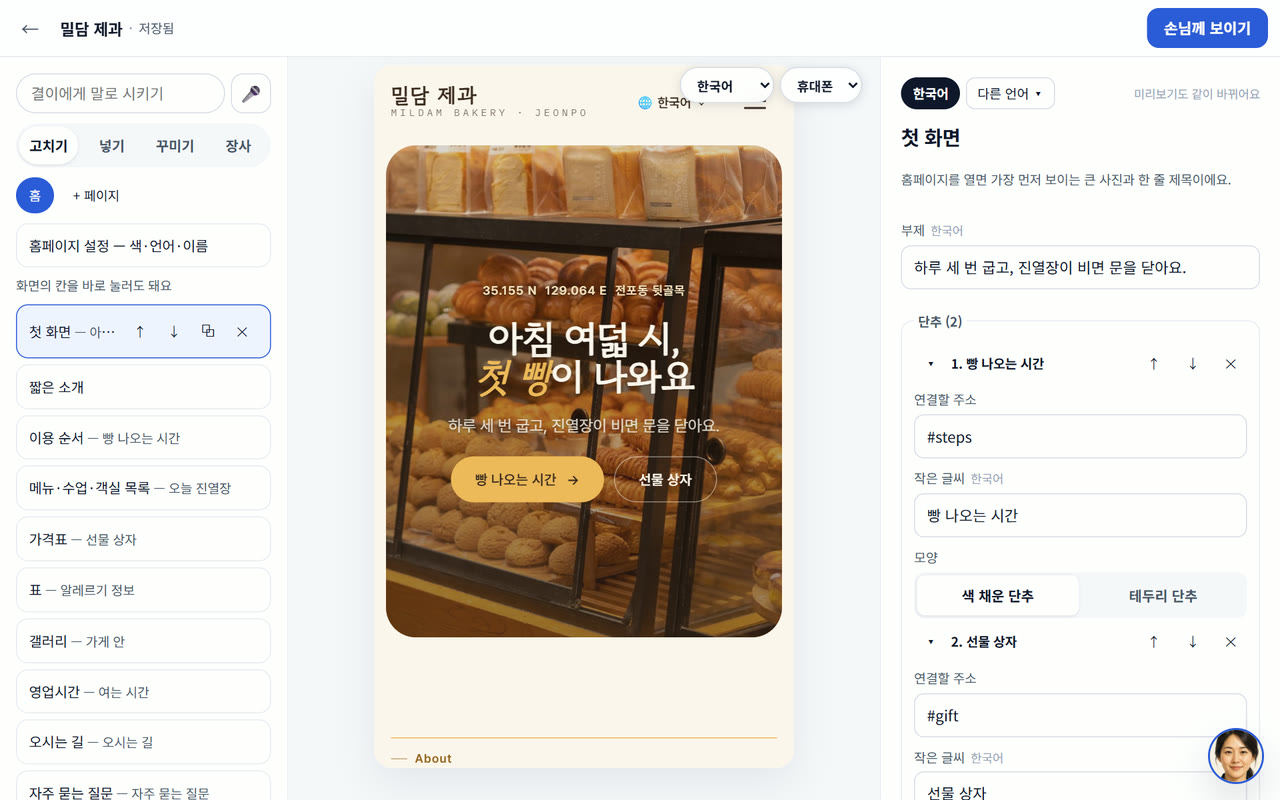
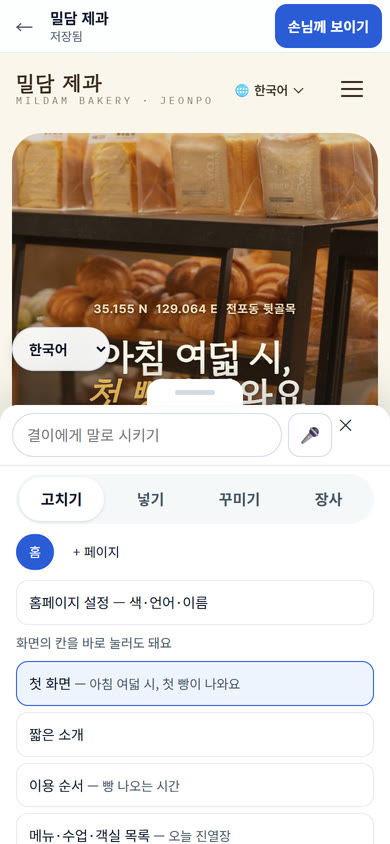
Changes things from a one-line instruction: prices, hours, text, photos. If something's unclear it asks back in plain words, and if you don't like the result, one tap on "undo".
Preview
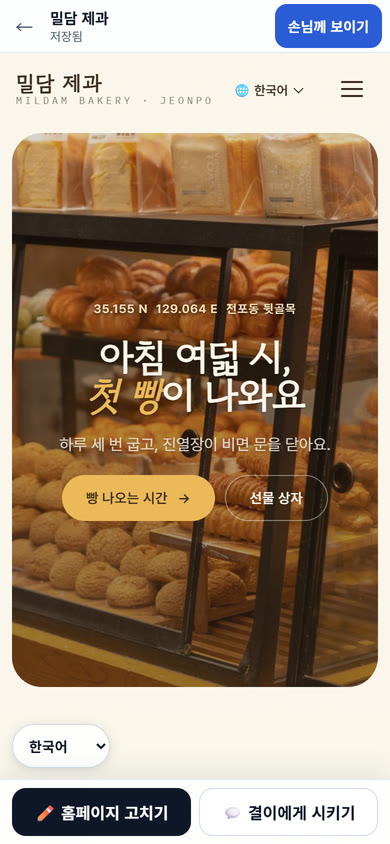
As you change things, the phone, tablet and PC views update at once. It's drawn by the same engine as the published site, so what you see is what goes live.
Six languages at once
Change it in Korean and the assistant writes the other five languages fresh. Publishing is blocked if any language field is empty, so a half-finished foreign page never goes out.
This is what it looks like
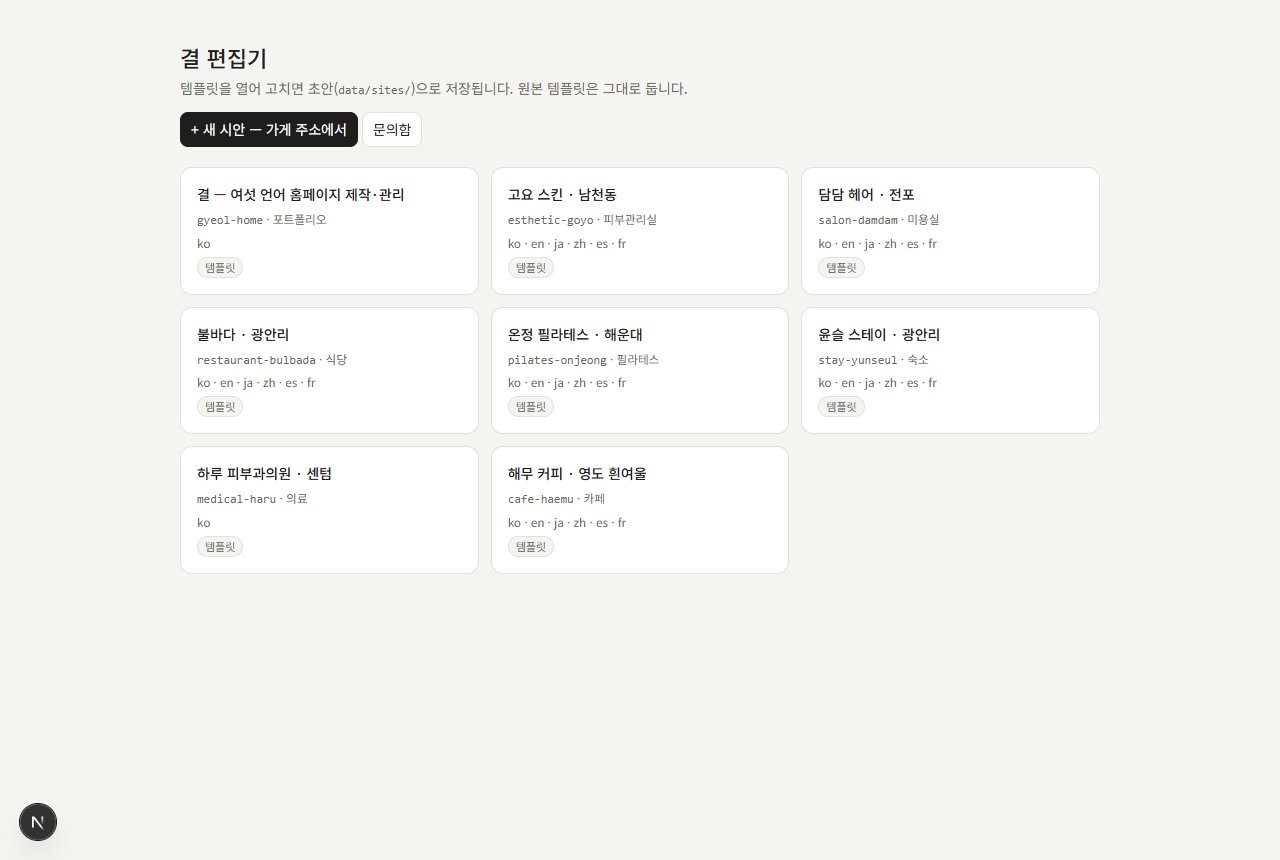
On the left, tell Gyeol what to change or pick a section. Check it in the middle, type on the right. It works the same on your phone.
From sign-up to launch
Sign up
No password — come in with an email link or Google.
Pick a design
Choose your trade, type your shop's name, and you're in the workspace.
Change it by saying so
Ask the assistant for menu, hours and text changes. Preview links are free.
Pay and publish
We open it to customers at your shop’s address. From that day, customers can put your shop icon on their phone’s home screen.
The hard parts, Gyeol does
Instagram cards
We also make promo photos for Instagram from your website content. Same words, same colours, so your shop’s Instagram looks tidy and connected.
Logo and photos
We sketch a draft logo and make your photos look their best. Gyeol sketches the first draft, and Gyeol staff put on the finishing touches.
Changes by message
Menu or prices changed? Just tell us in a message. Gyeol makes the change — you don’t have to touch a thing.