 GyeolGYEOL
Your shop’s website,
built for you
To change something, just tell Gyeol, your AI assistant. Visitors from abroad read your menu and how to book in their own language.
Free preview · No contract, no cancellation fee · From $19/month

As an icon on the home screen
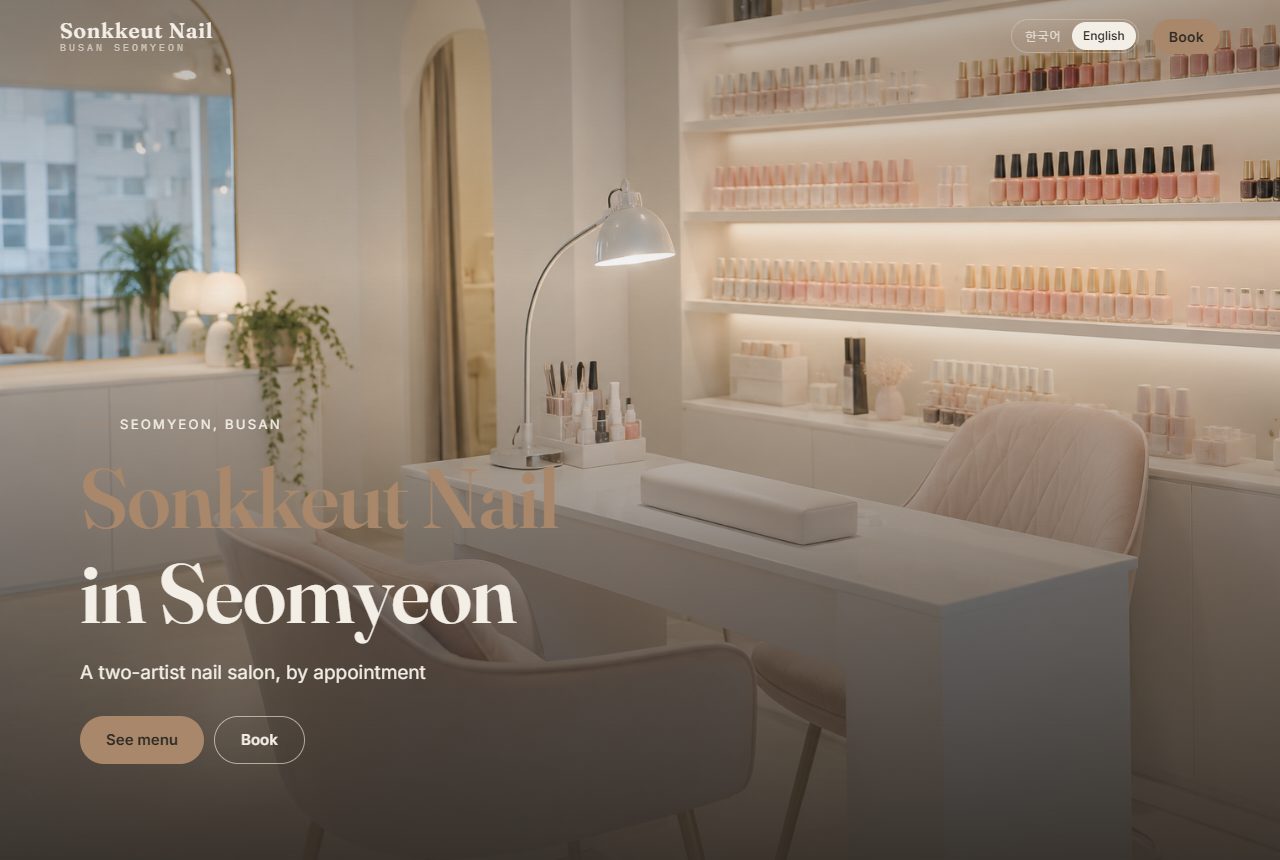 Nail salonSonkkeut Nail · Seomyeon
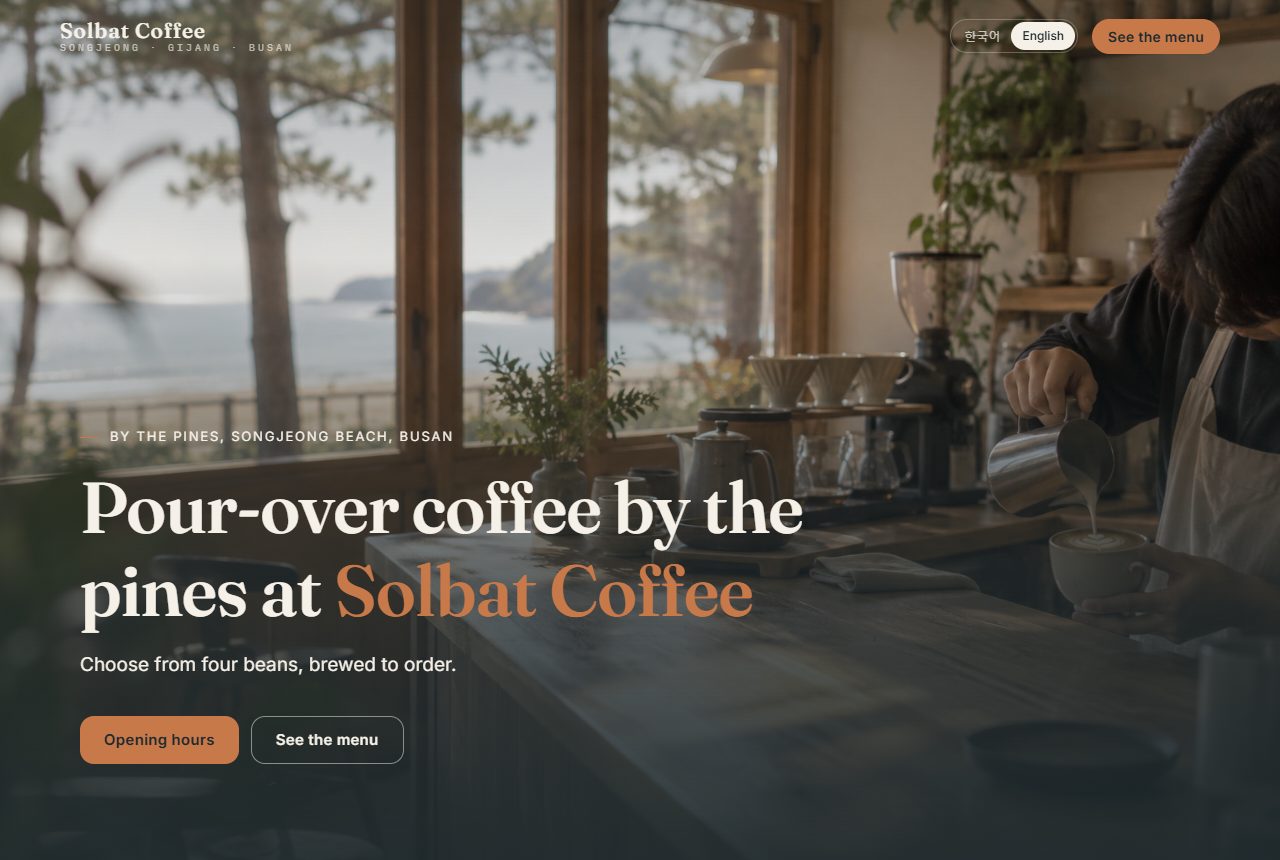 CaféSolbat Coffee · Songjeong
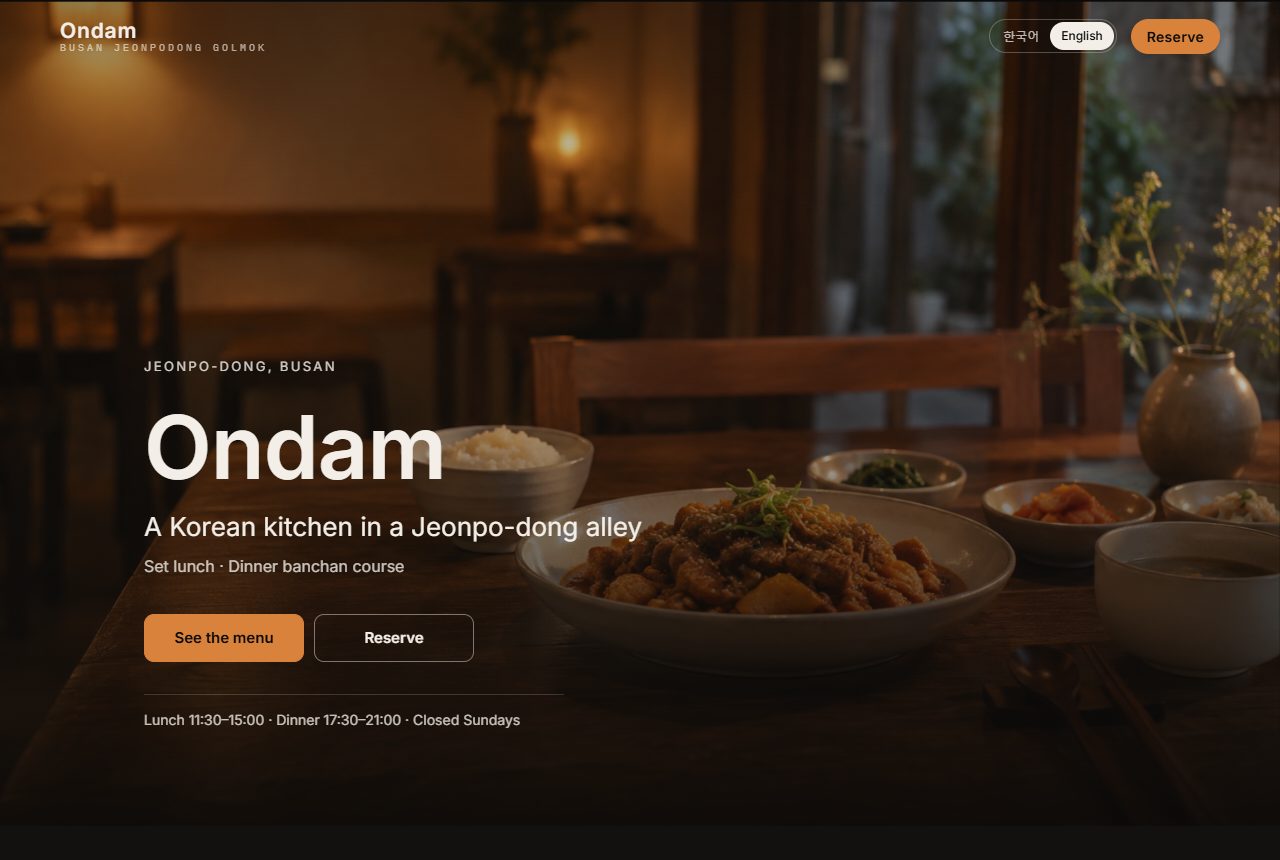 RestaurantOndam · Jeonpo
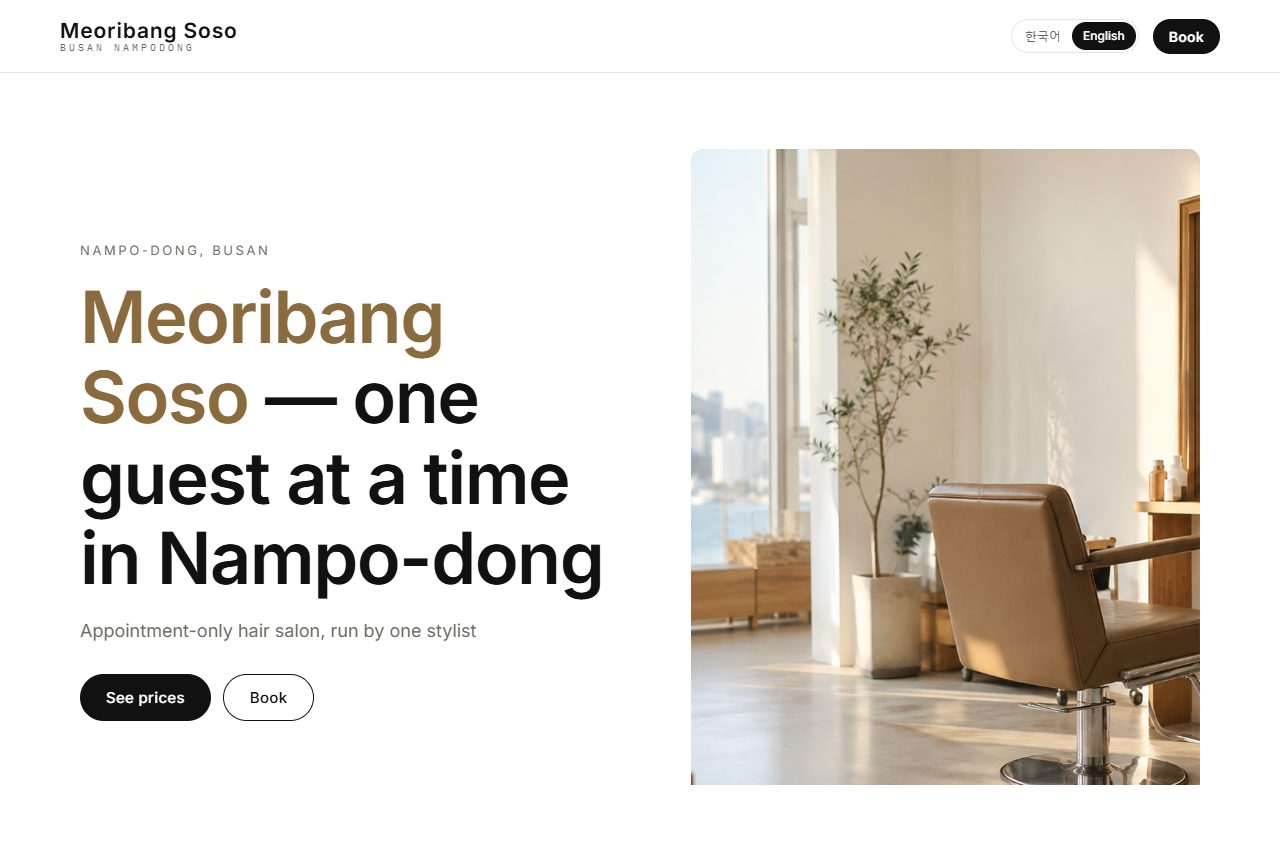 Hair salonMeoribang Soso · Nampo
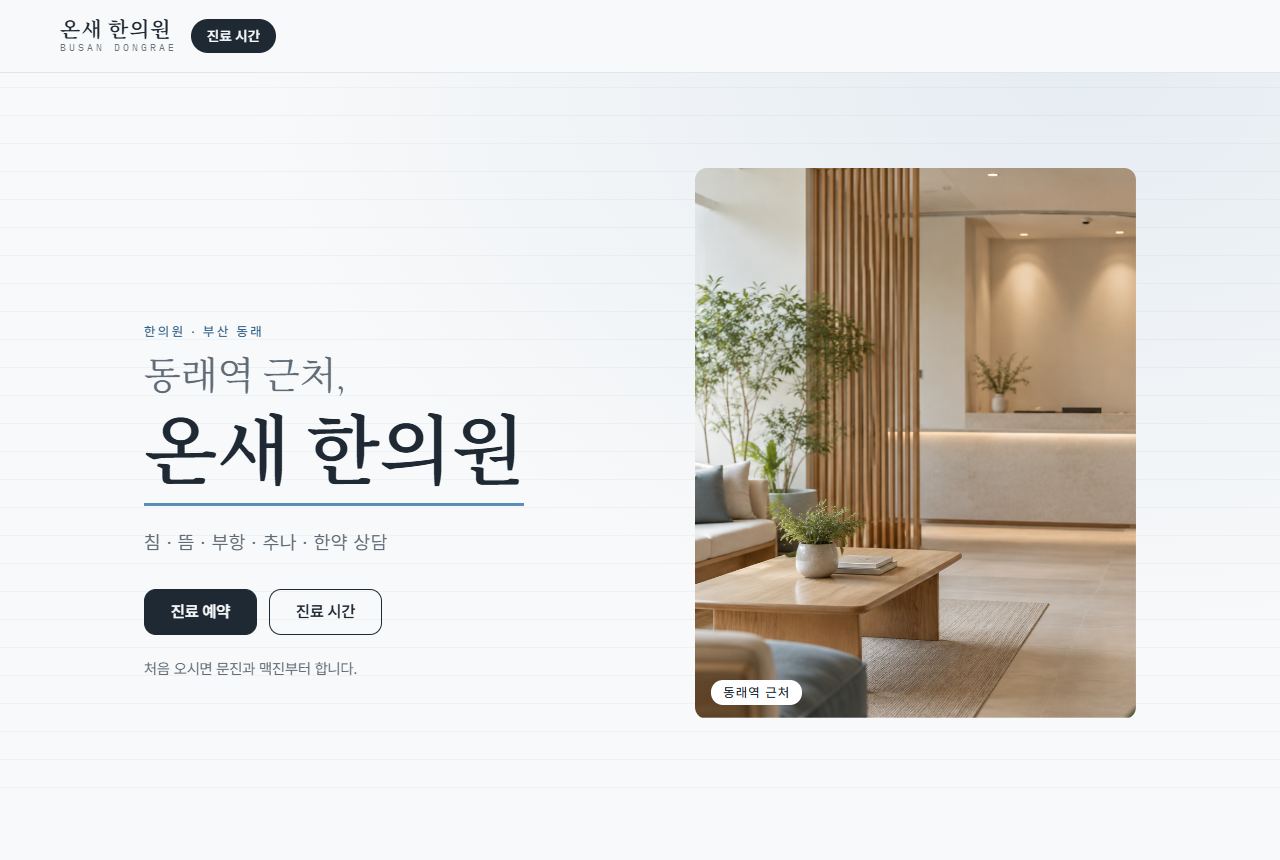 Korean MedicineOnsae Korean Medicine · Dongnae
 YogaSumgyeol Yoga · Gwangalli
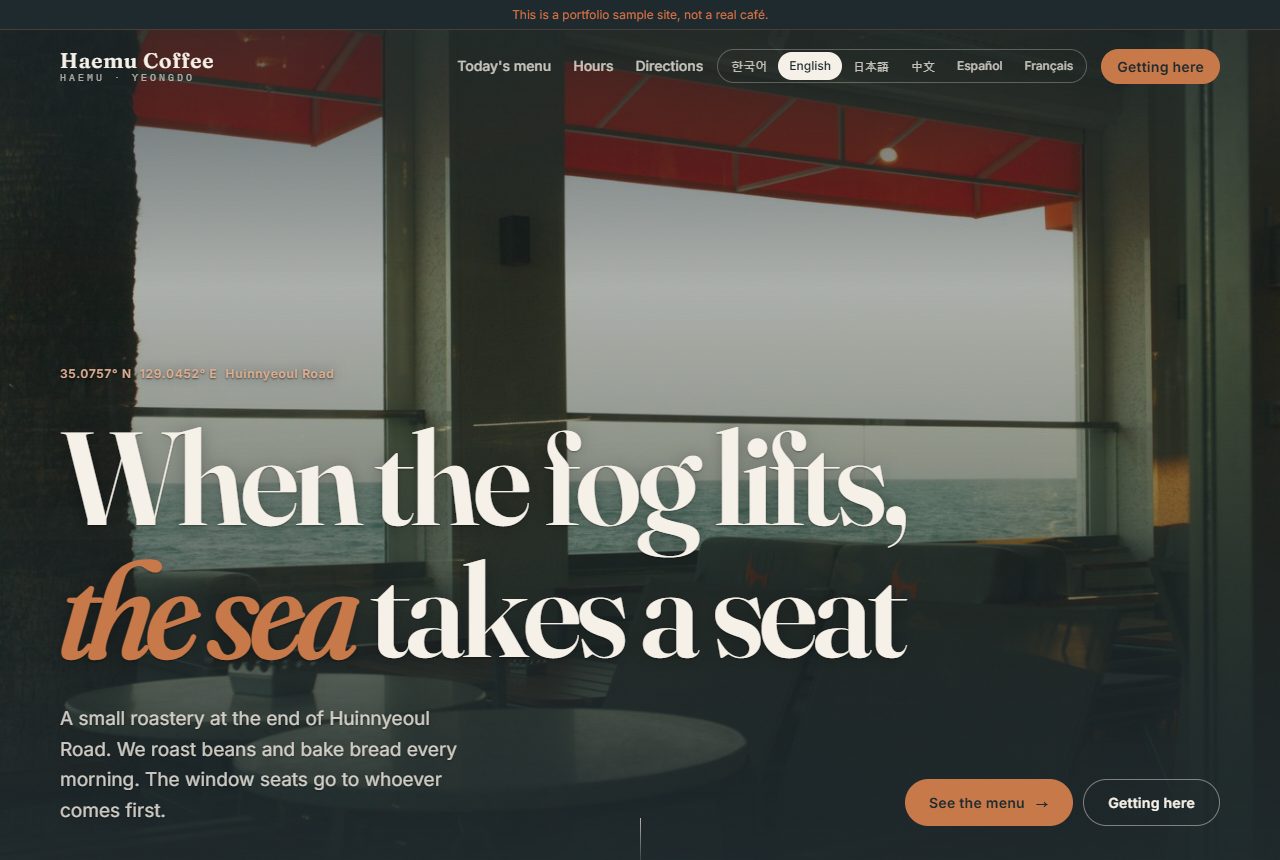 CaféHaemu Coffee · Yeongdo
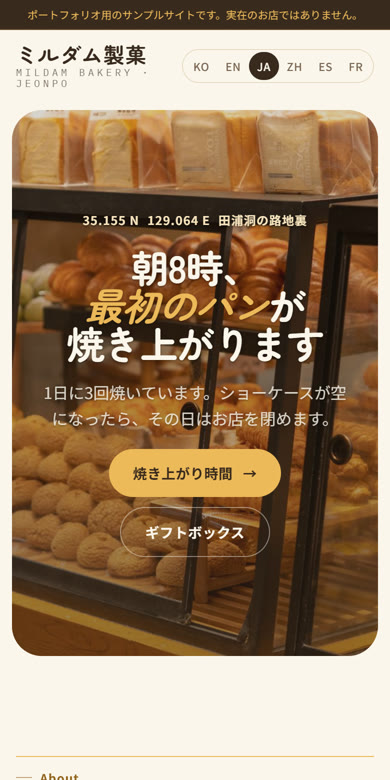
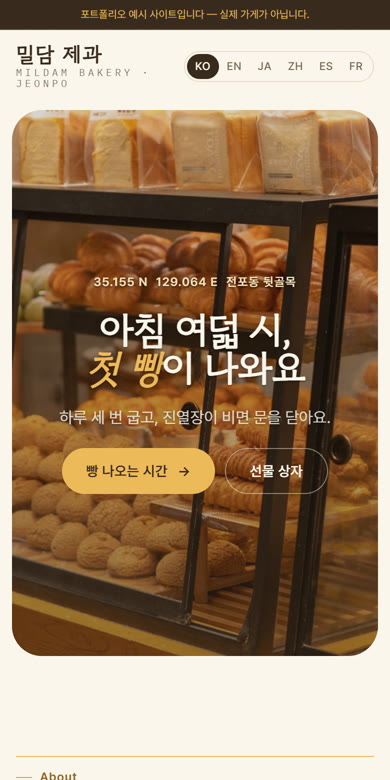
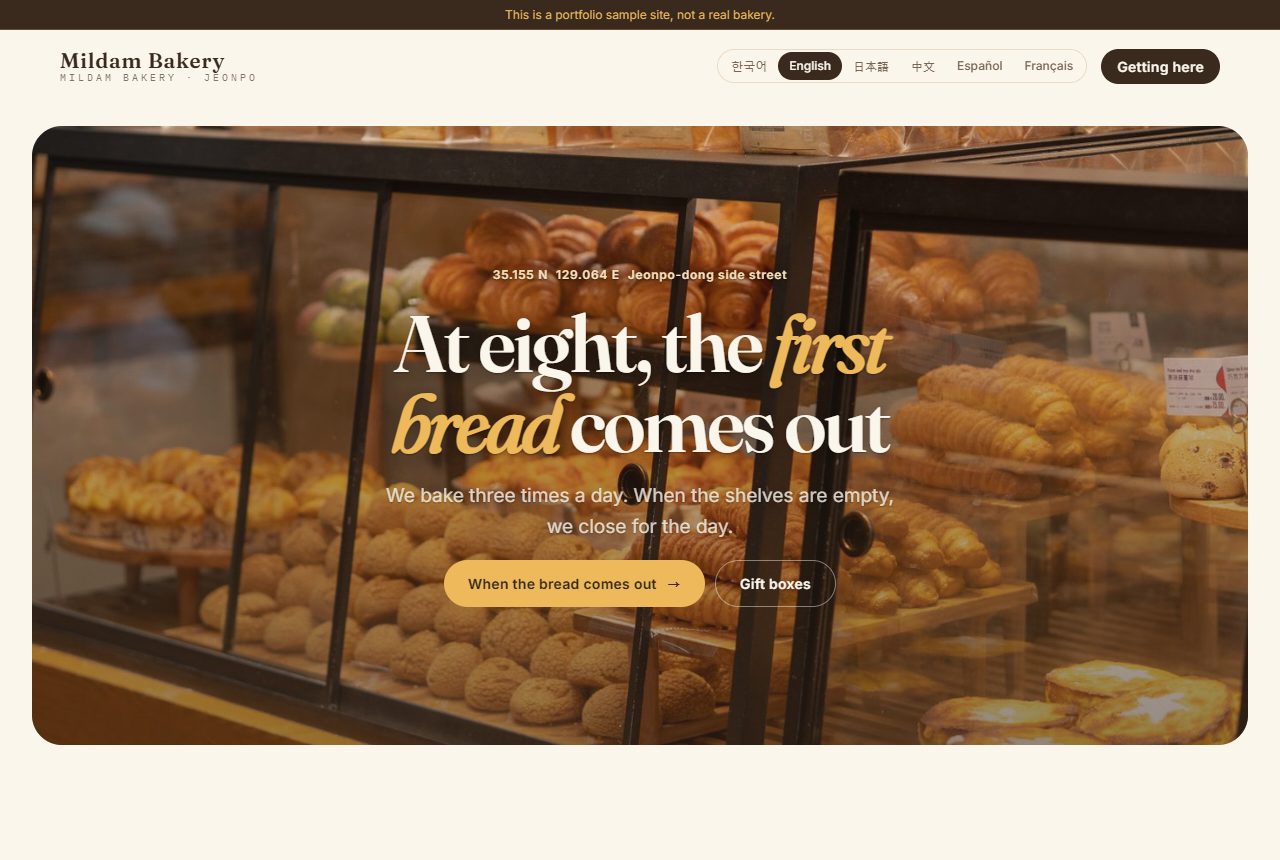 BakeryMildam Bakery · Jeonpo
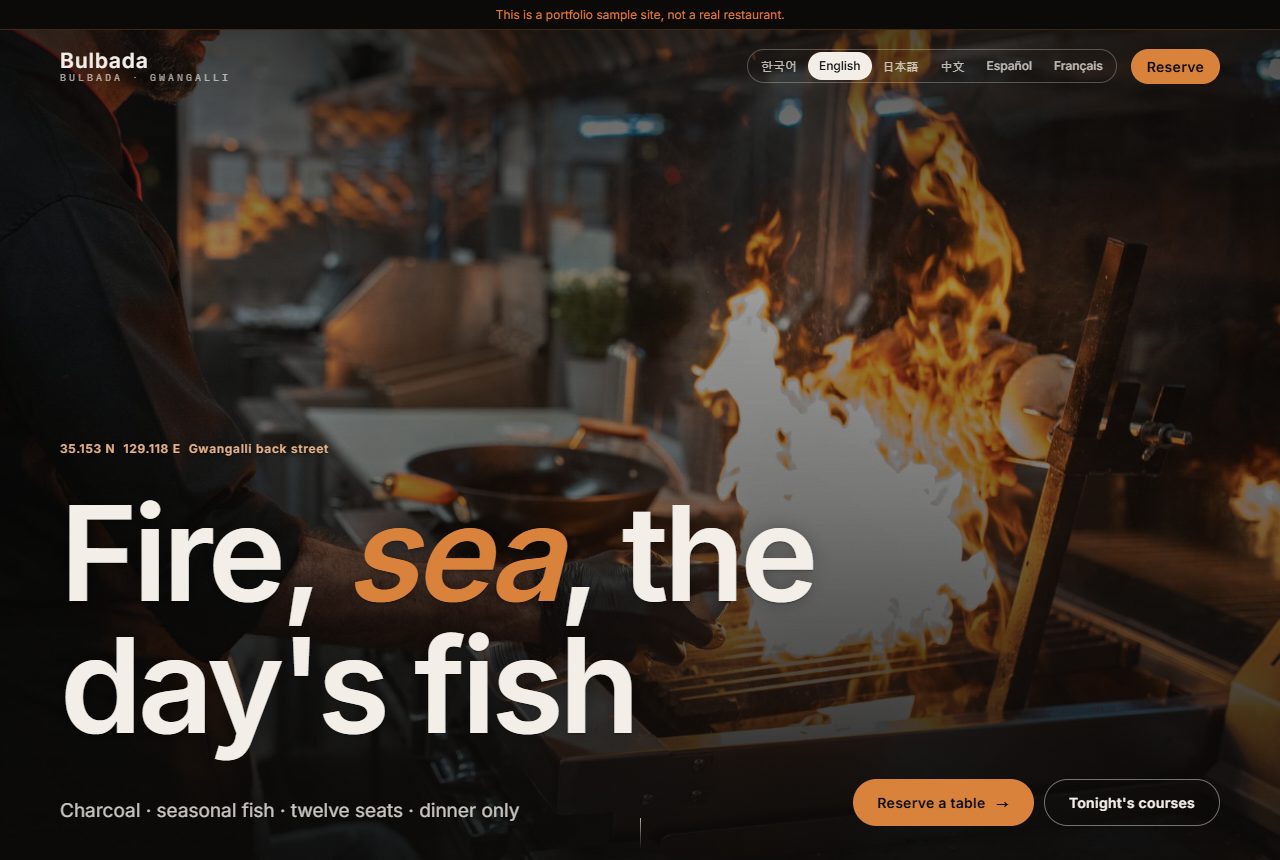 RestaurantBulbada · Gwangalli
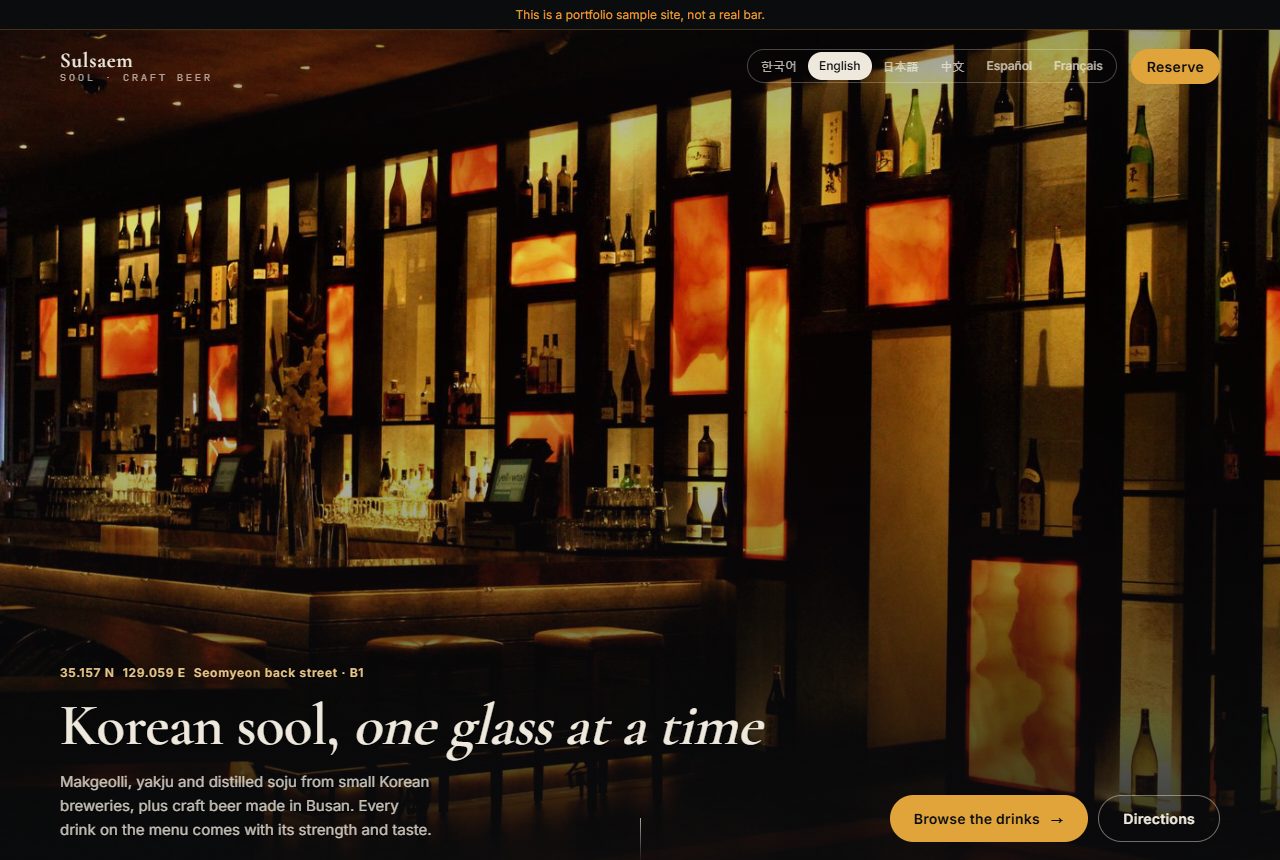 BarSulsaem · Seomyeon
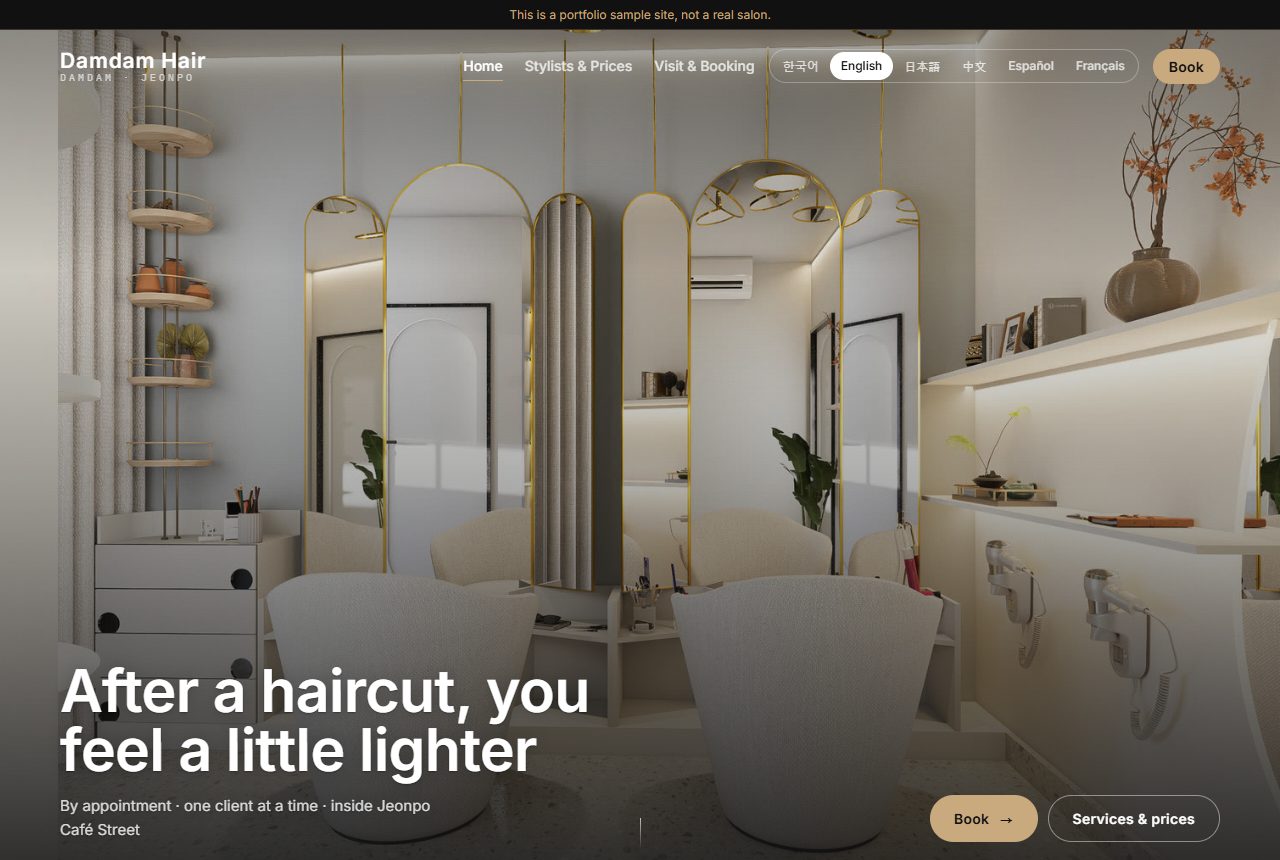 Hair salonDamdam Hair · Jeonpo
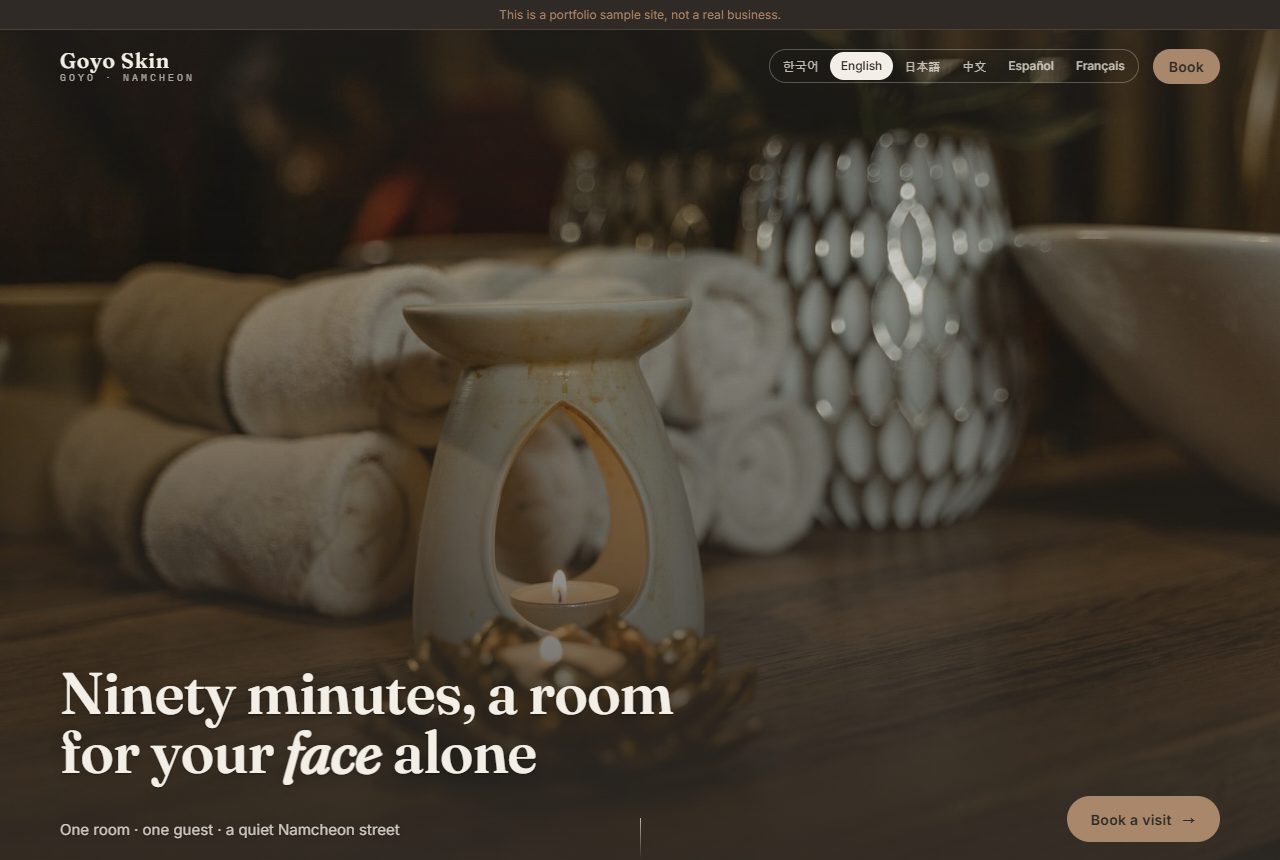 SkincareGoyo Skin · Namcheon
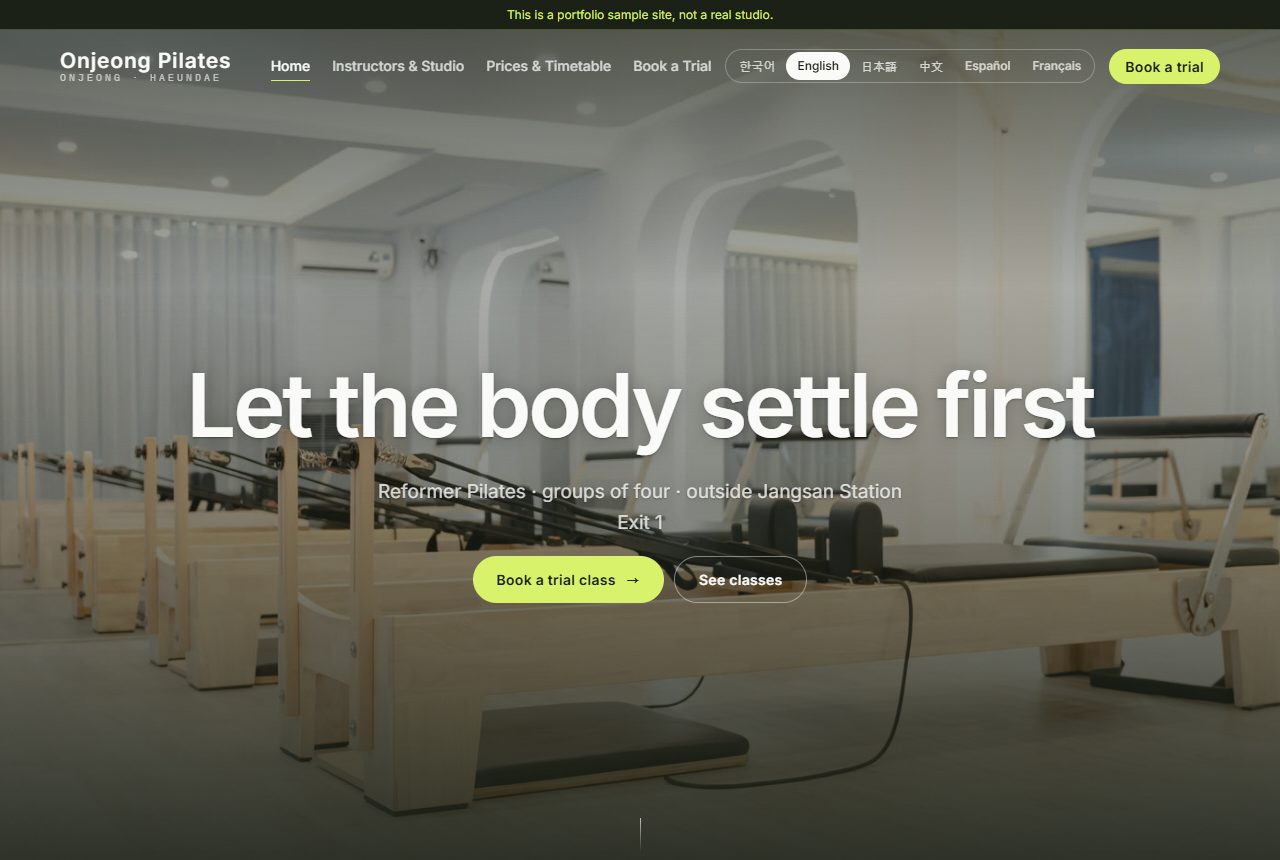 PilatesOnjeong · Haeundae
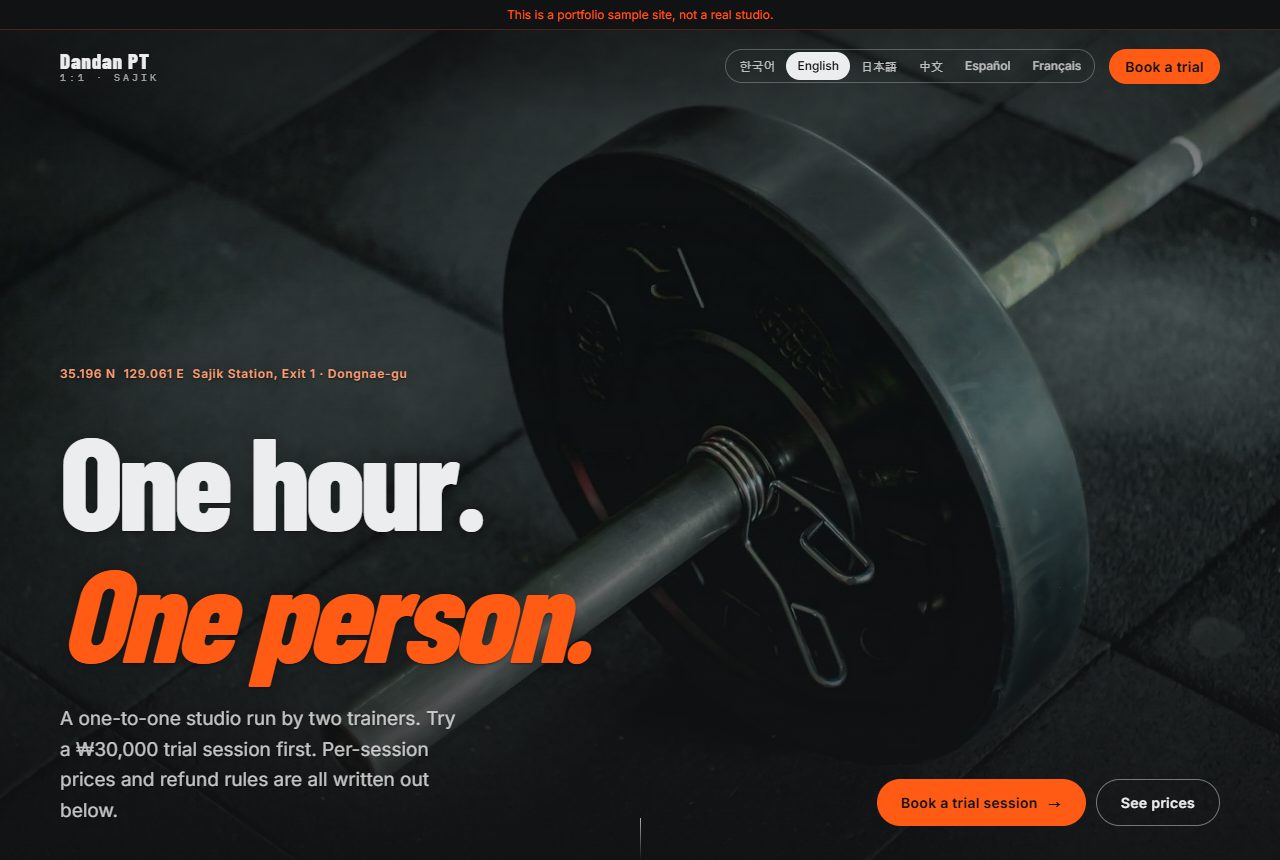 Gym · PTDandan PT · Sajik
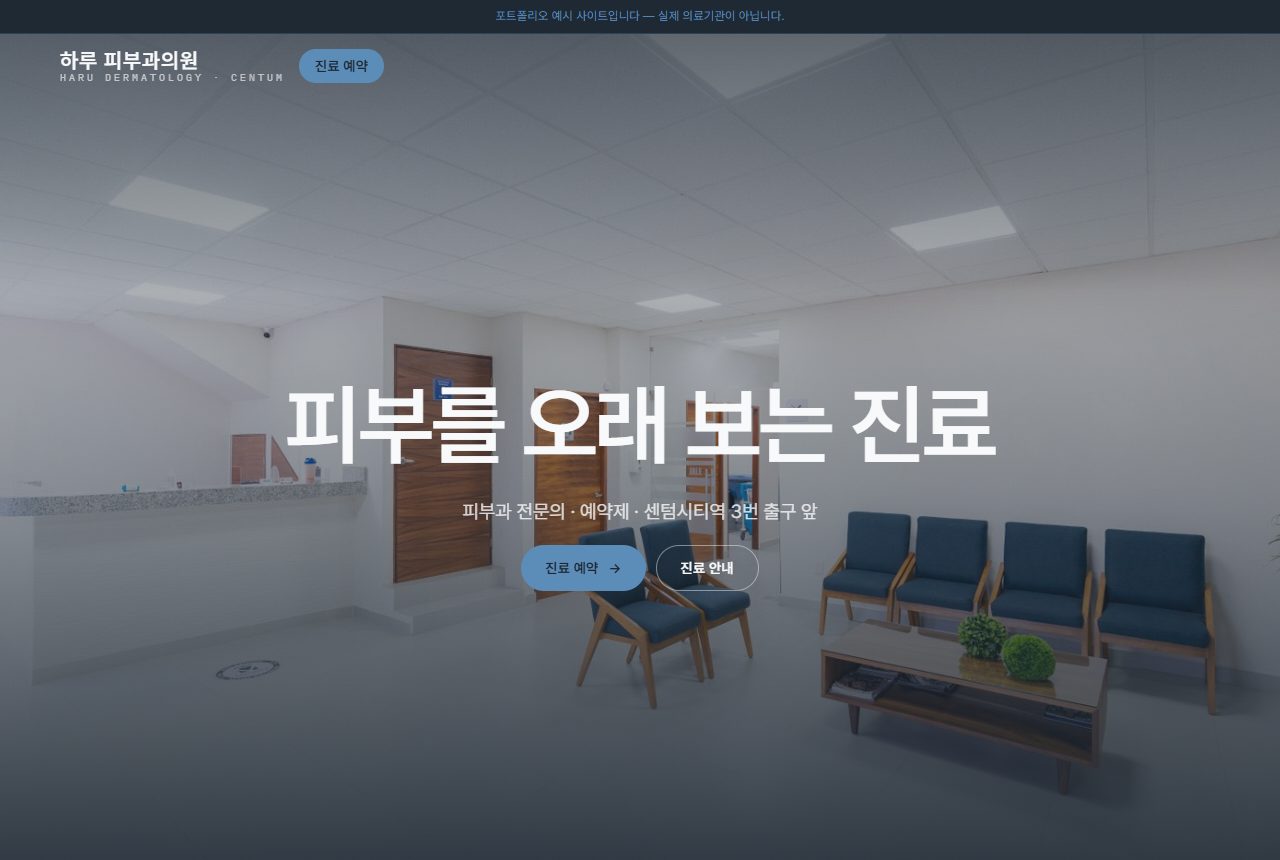 ClinicHaru Dermatology · Centum
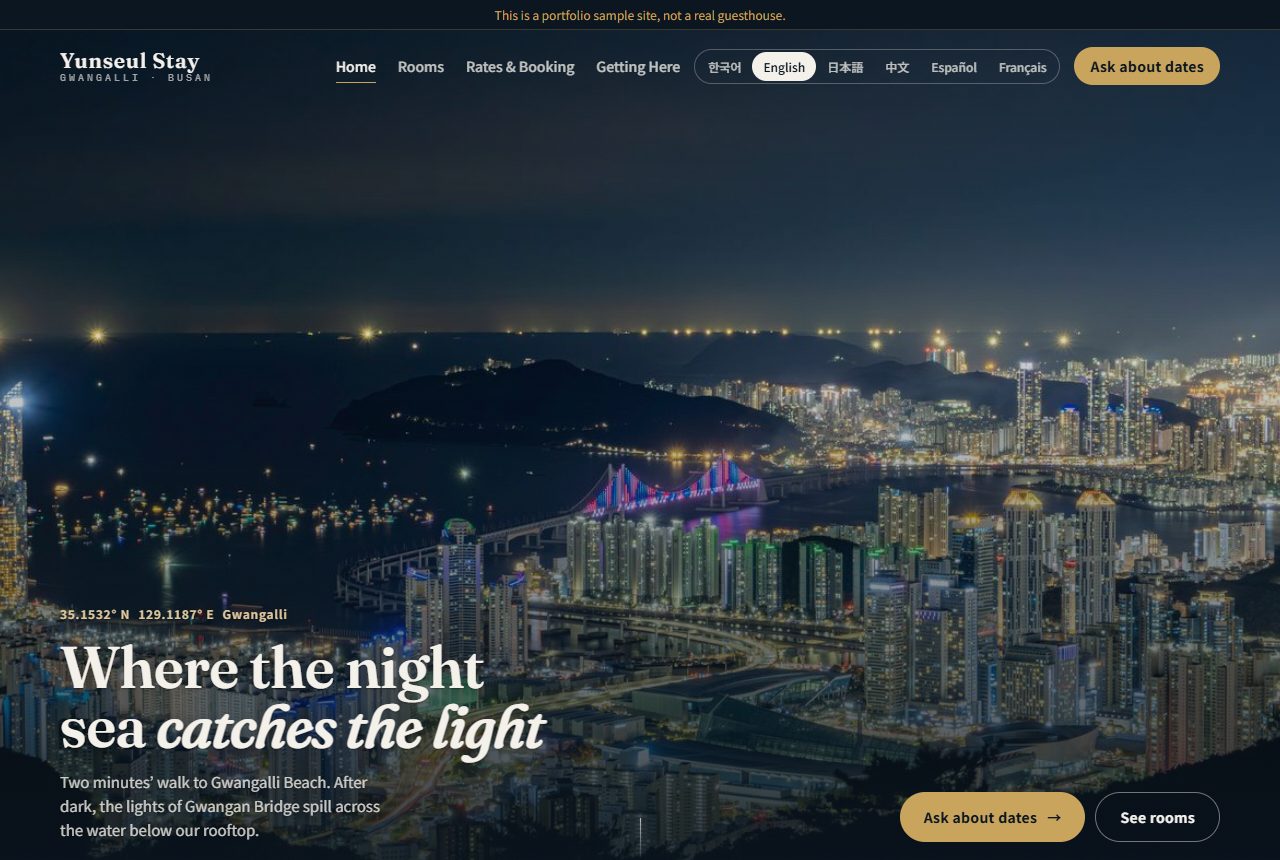 StayYunseul Stay · Gwangalli
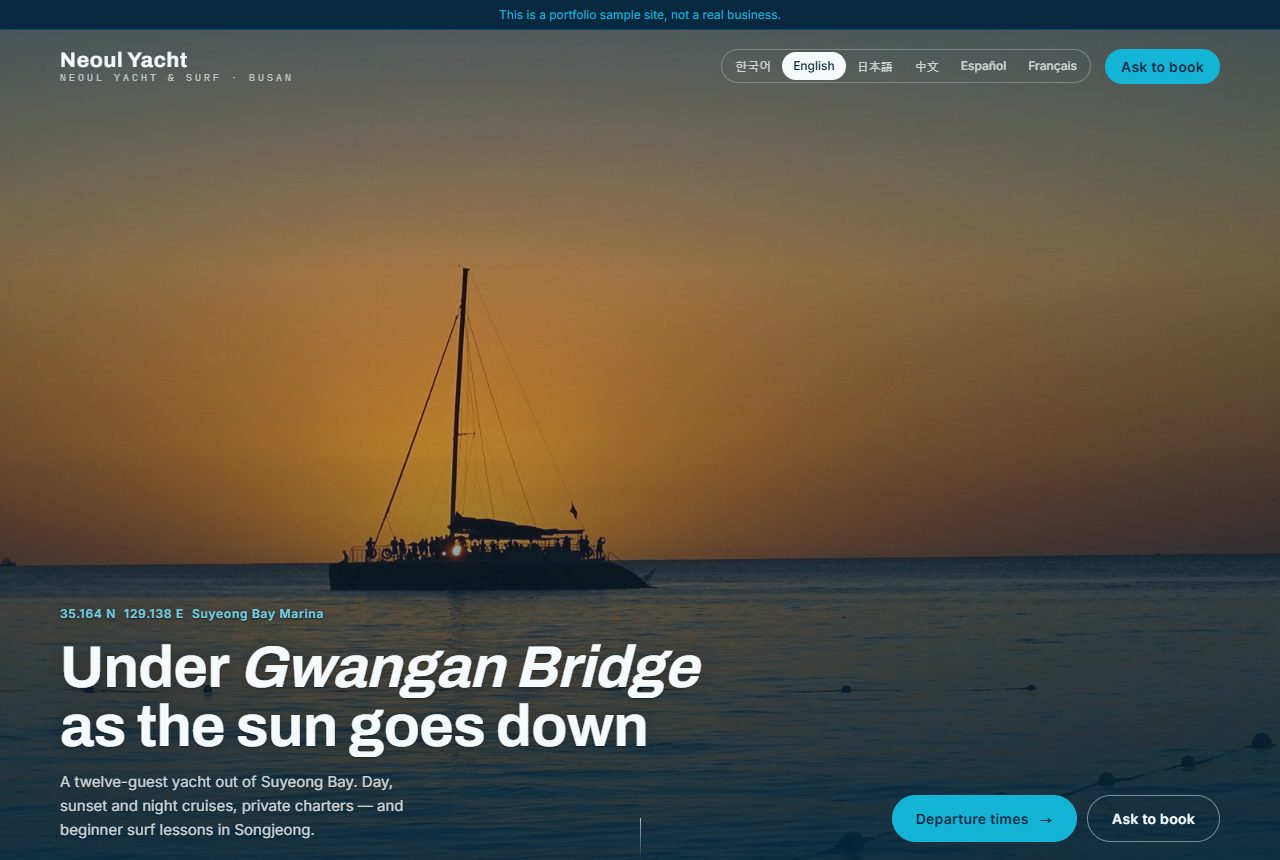 Yacht & surfNeoul Yacht · Suyeong Bay
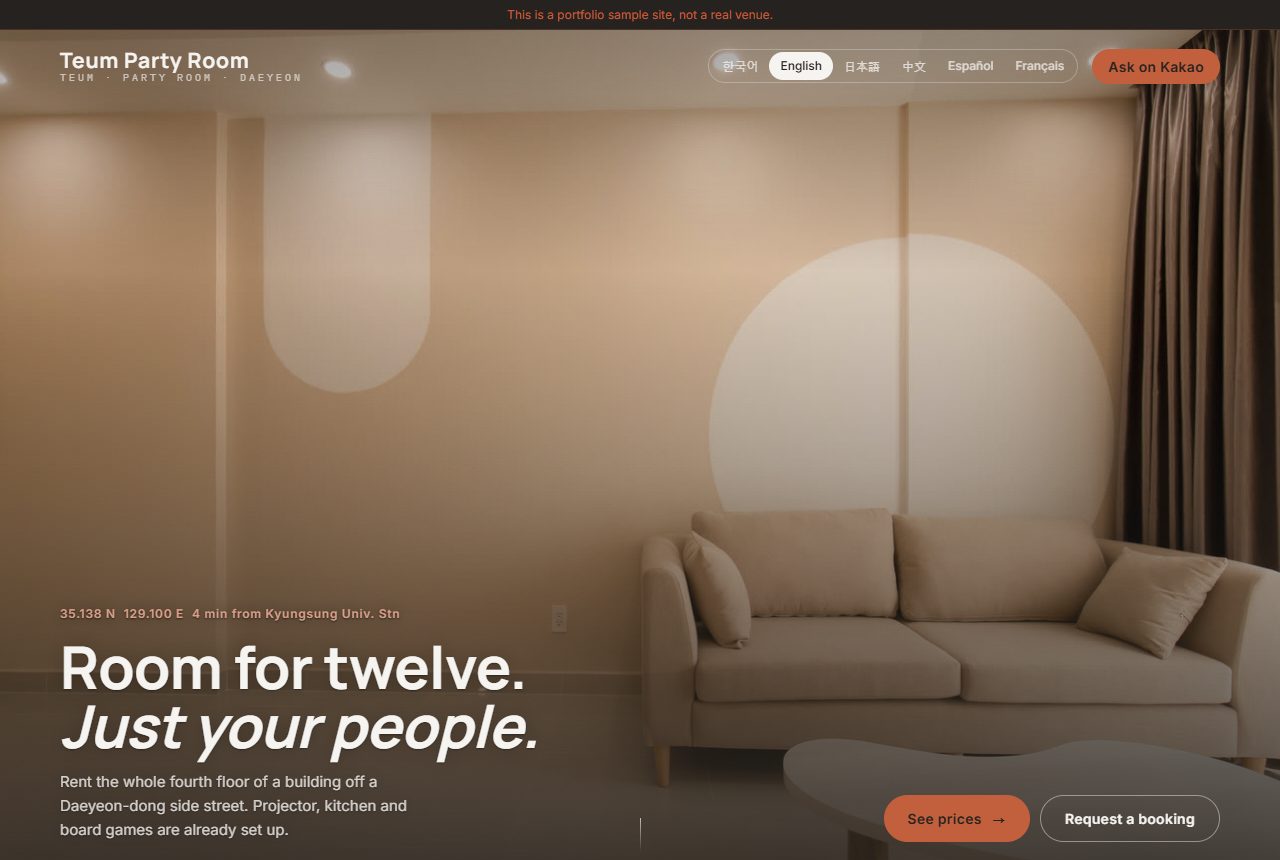 Party roomTeum Space · Daeyeon
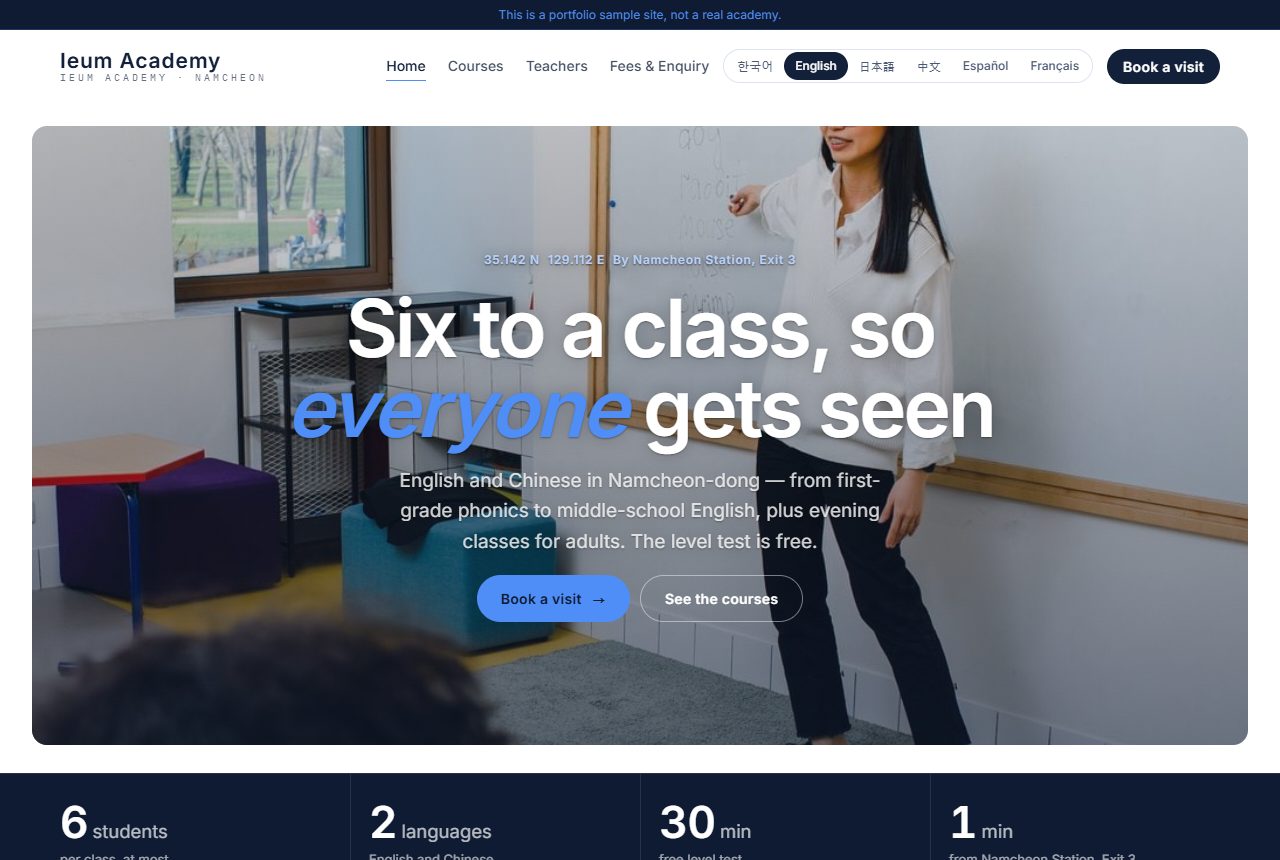 AcademyIeum Academy · Namcheon
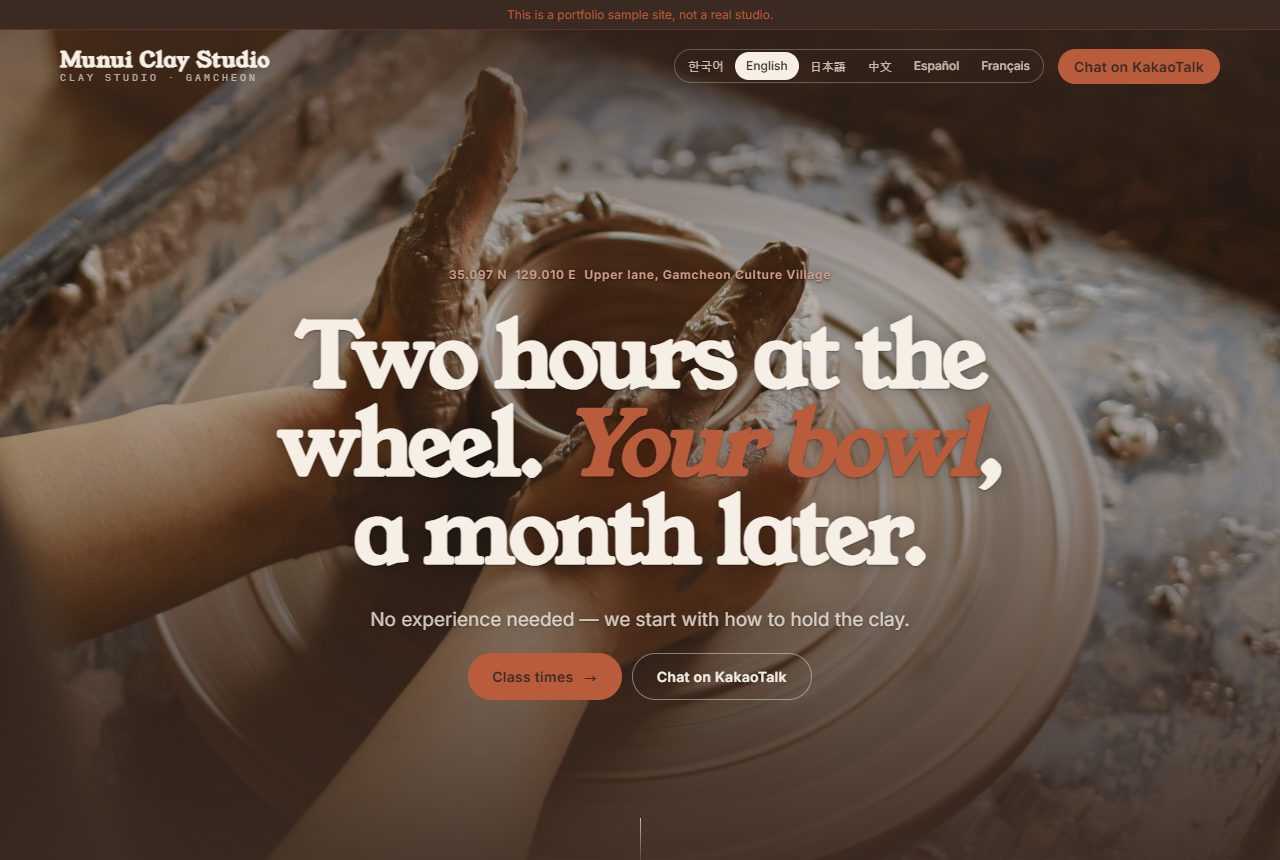 Craft studioMunui Clay · Gamcheon
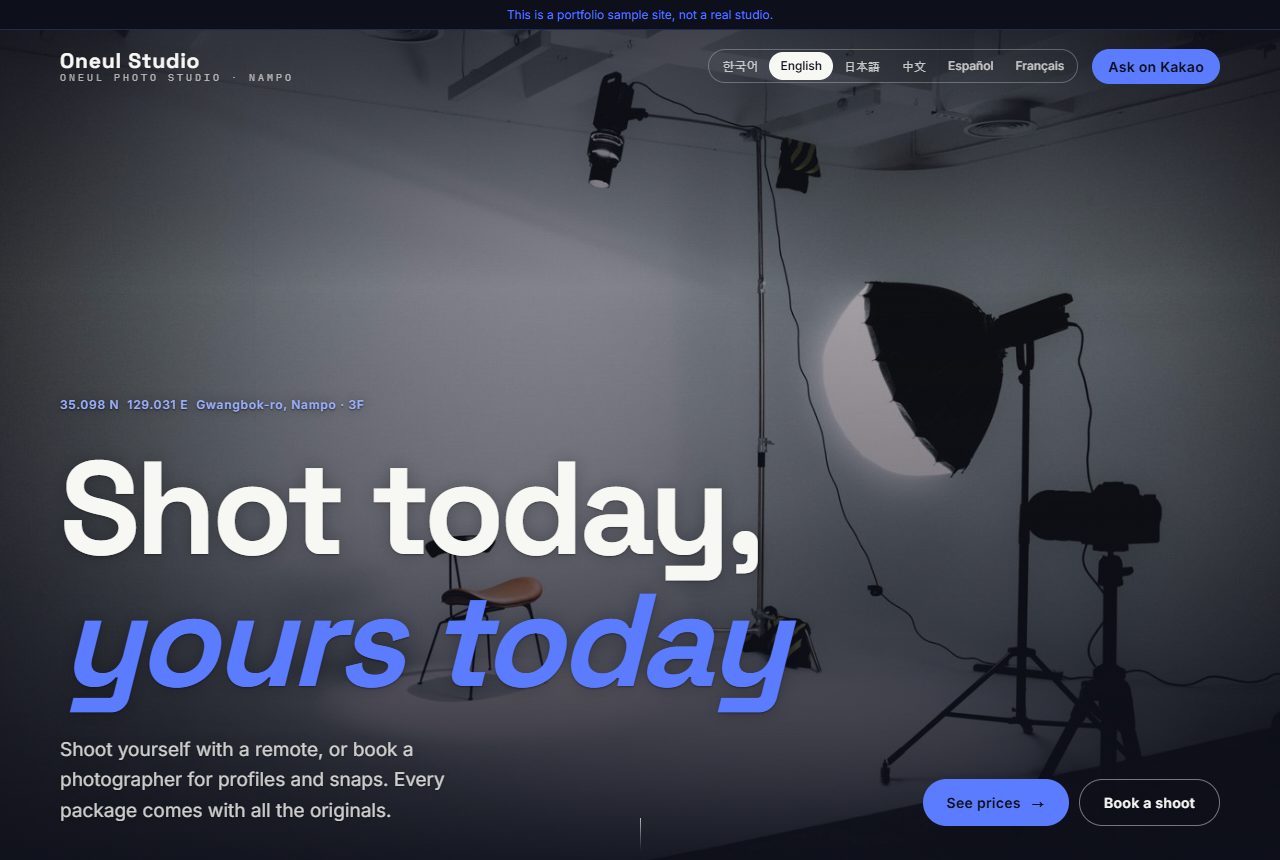 Photo studioOneul Photo · Nampo
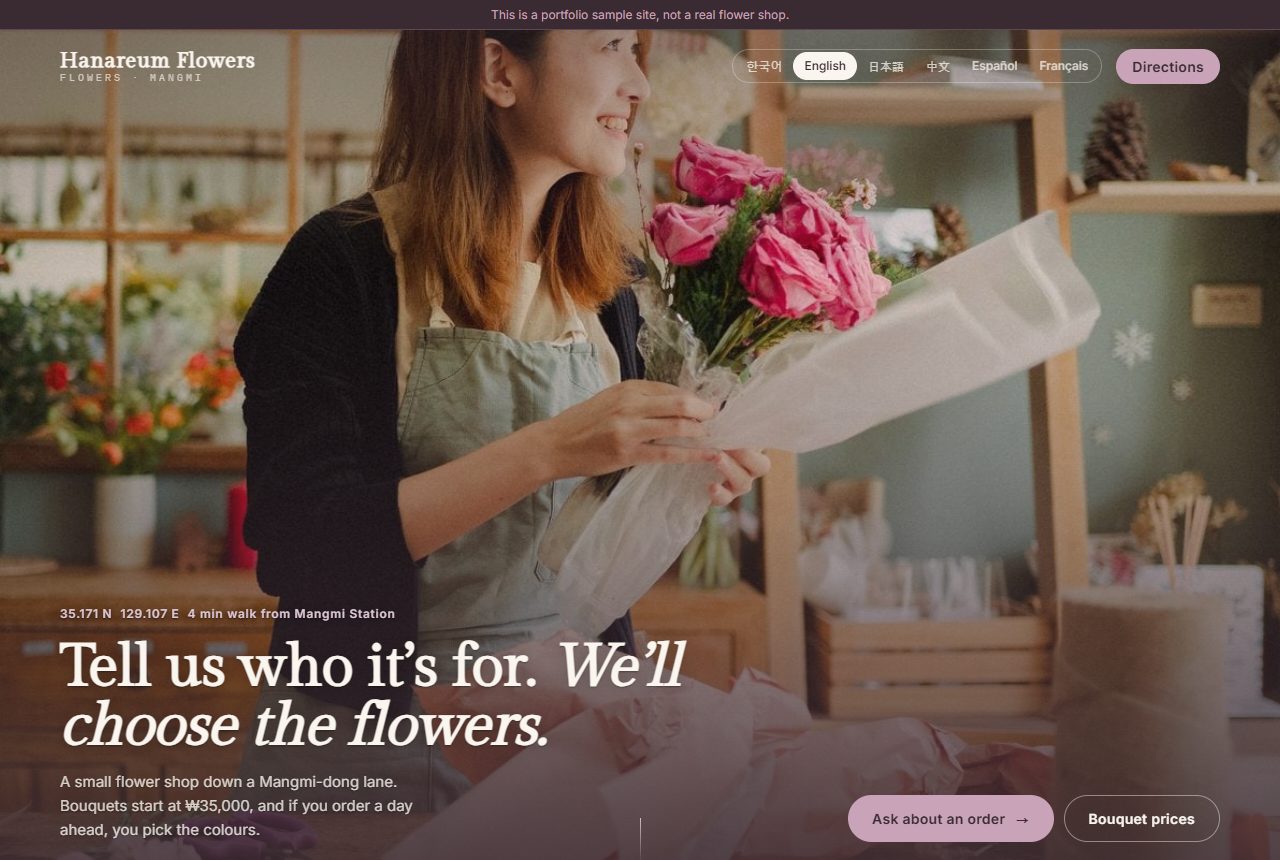 FloristHanareum Flowers · Mangmi
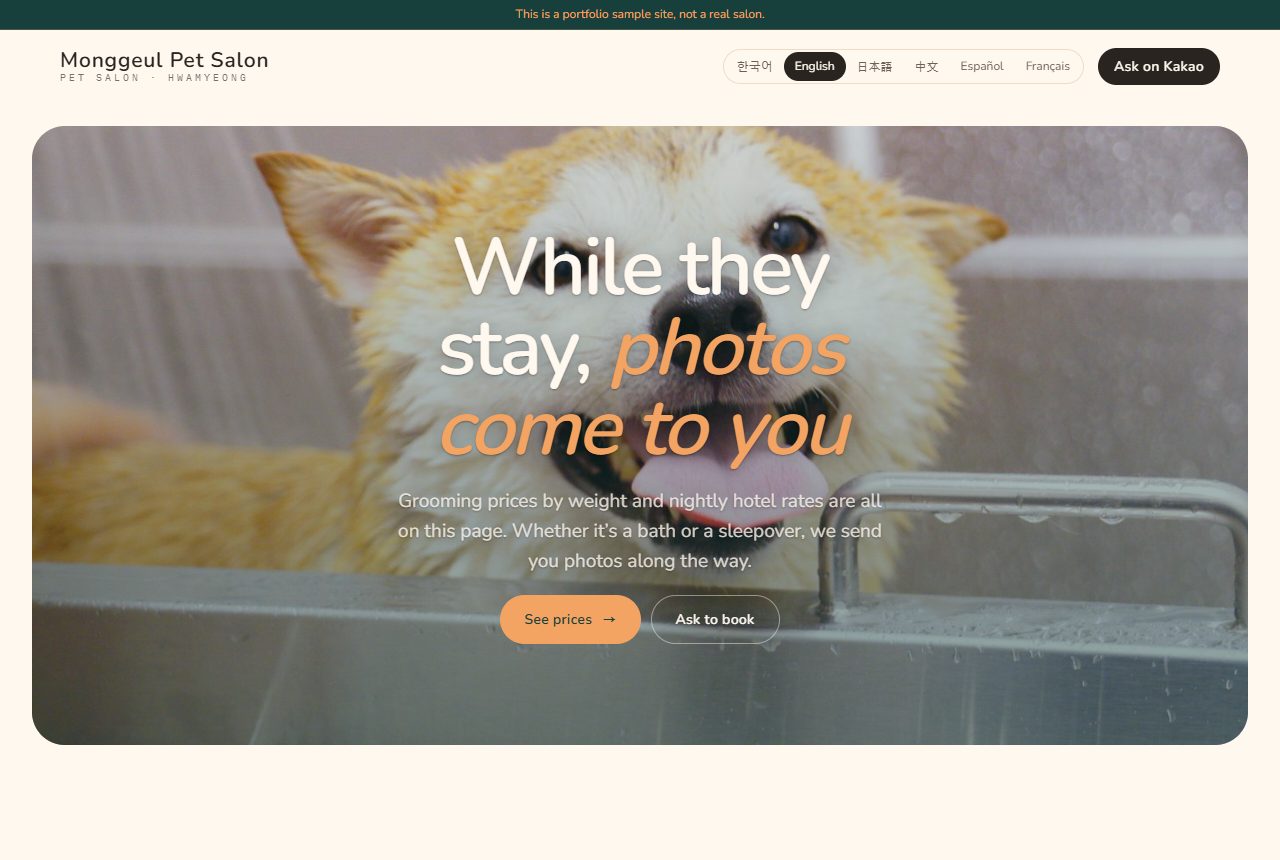 Pet careMonggeul Pet · Hwamyeong
What your customers see on their phone
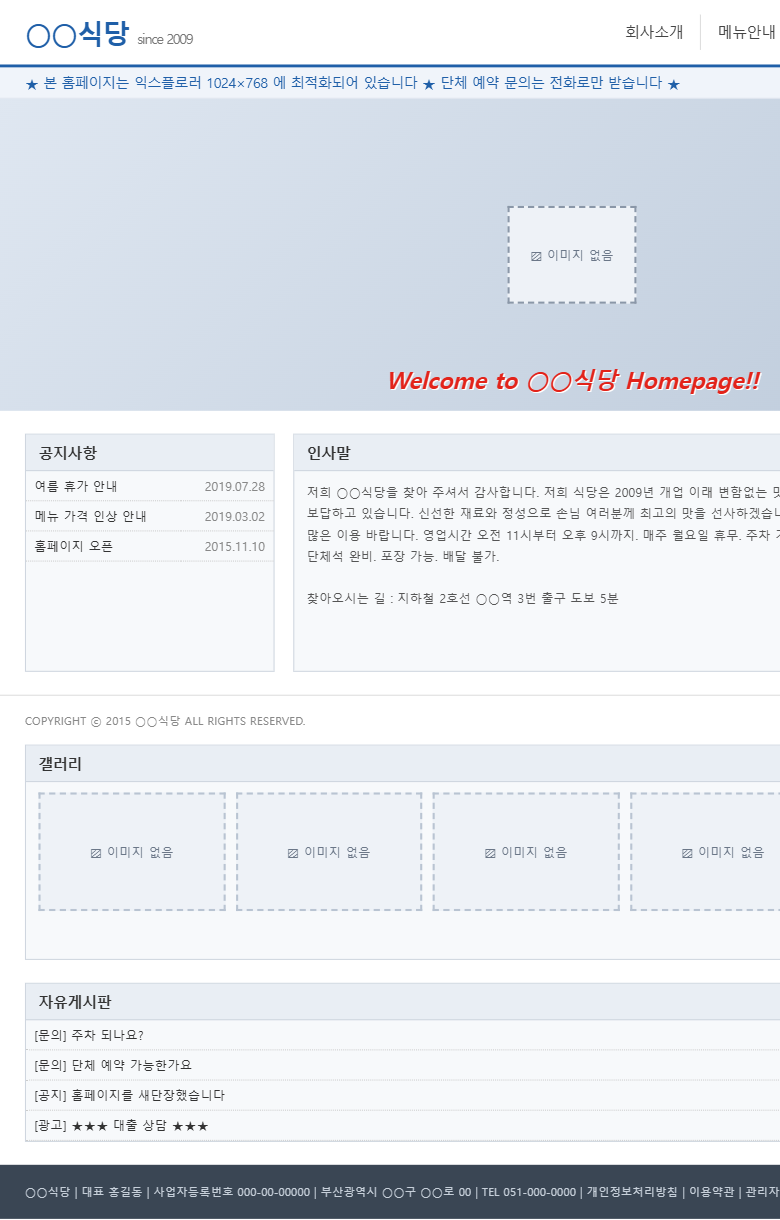
- Korean only
- Text breaks on phones
- Untouched for years
- Visitors read it in their own language
- Clear on any phone
- Updated with one message
 What Gyeol does
So you don’t have to,
Gyeoli does it.
Gyeol is our AI assistant.
We build it
Send your shop’s address or a few lines about it. We write the words and place the photos.
You change it by asking
“Change the latte price.” “Say we’re closed tomorrow.” One line from your phone.
Visitors from abroad read it and come in
Your menu, prices, opening hours and how to book appear in six languages, written the way locals write rather than machine-translated. Change it once in Korean and the other languages follow.
Also included
- Customers can add your shop to their home screen, like an app — no app store needed
- Ready-made images for Instagram (included on some plans)
- Enquiries land in one place
- For clinics, we double-check the wording for exaggerated claims (this does not replace an official medical-ad review)
- No admin password to remember, and your site is hard to tamper withHow we keep it safe
The tools exist. The time to build doesn’t.
There are plenty of do-it-yourself builders. But writing the words and picking photos is still your job. Gyeol does that part for you.
| DIY builder | Hiring an agency | Gyeol | |
|---|---|---|---|
| Getting started | Pick a layout and fill in the text and photos yourself | Pay a build fee and wait for the first version | Give Gyeol your shop’s address or a short intro, and the first version is ready right away |
| Making changes | Learn the admin screen and edit it yourself | Send it back and wait — sometimes with a fee per change | Just tell Gyeol what to change — even from your phone |
| Other languages | Many charge a monthly fee for every language you add | More languages, higher cost | Six languages, same monthly fee. Edit once and all six update together |
Some website builders charge an extra $9–20 per language every month (public price lists, October 2026).
Want a new look? We keep your text, photos and pages and redo only the design.
A design for every kind of shop
From cafés to traditional clinics, we built 23 example sites with Gyeol. They are examples, not real shops. Pick the one you like.
Most shops start with just a monthly plan
Pick the free preview you like and open it right away on a monthly plan. There is no setup fee.
monthly plan
$19+
AI Gyeoli builds a site tailored to your shop, on the spot. No setup fee.
Full build service
$349+
We polish the text, photos and design and build it in six languages. One-time fee.
Free previews · No contract or cancellation fees · VAT not included · No other hidden costs
Preview in 1 minute, launch within 2 weeks
In between, we fill in your menu and photos, polish the other languages and check nothing is missing before we open. What you’ll need, step by step →
Chat with Gyeol
Just tell us your shop’s address or Instagram.
See your preview
Gyeol shows it to you right away. If you don’t like it, you don’t have to go ahead — and you pay nothing.
Filling in
We fill in your menu, hours and photos, and write the other five languages.
Open
We connect your web address and open the doors.
Less to worry about from hackers
Nothing is 100% safe. So we close the gaps from the start and check every day.
See all twelve safeguards
A website with no server
Your site runs safely on Cloudflare's worldwide network. It has no login page or member database for attackers to target, so there is no server to break into, alter or slow down.
Code is pinned by fingerprint
The code a page may run is locked by its fingerprint. Even if someone slips code into a text field, the browser won't run it.
No password to leak
The editor is entered only by email link or Google. There is no password to leak in the first place.
A wall between every shop
Each shop's data is locked row by row in the database, so no other shop can read it. Plan and payment fields can't be changed from the customer side.
Enquiries deleted after a year
Contact details customers leave are deleted automatically after a year. Bots are filtered with a honeypot and rate limits.
Tested every day
An automated checker visits your address every day to look for security gaps. If a single red light comes on, we look into it and fix it first.
Slowing automated attacks down to human speed
A burst of rapid, repeated requests is the work of automated scripts, not human visitors. Gyeol throttles suspicious traffic to a natural human pace and blocks excessive attempts entirely.
Nightly backups, 30-day retention
We automatically back up your store data every night. If anything goes wrong, you can restore your site to any single day within the last 30 days.
Unusual activity is detected within minutes
If a single source repeatedly hits your site, pulls too much data in a short time, or an admin logs in from an unfamiliar country, alerts are sent immediately. We make sure nothing happens unnoticed.
Instant lockdown when threats appear
If an incident occurs, administrators can lock the workspace with a single command. All active sessions are terminated instantly, leaving access only to admins. Any work in progress by clients remains safely preserved.
Hidden instructions to the AI are ignored
A review, an enquiry or a meeting transcript can hide text meant to make Gyeol do something it shouldn't. Gyeol reads such text as material only, never as orders. Anything that goes out — sending a text, publishing — always waits for you to press the button yourself.
Notes and order files are kept under lock and key
Meeting notes and the order files you upload to automations are saved encrypted. Even if all the stored data leaked, it couldn't be read without the key.
What happens with my web address (domain)?
An address with your shop’s name (.com etc.) is included in your monthly plan at no extra cost. Gyeol registers it and takes care of renewals. If you leave and tell us within 30 days, we’ll help you move it; after that you just pay for the address. If you already have an address, we connect it for free.
Do I have to write the text?
No. Just tell us your menu, hours, address and prices. Gyeol writes the intro and the other five languages, and keeps adjusting until you’re happy.
Can I edit it myself later?
Yes. Editing it yourself in the workspace is free. Change just the Korean and tap “Match other languages” — the rest update for free too. Asking Gyeol to do it uses a few points.
Is the “app” a real app?
It’s not an app-store app. Customers put your shop’s icon on their home screen and open it like an app. No app review, no yearly store fees. If you really need it in a store, just ask.
Can clinics use Gyeol?
Yes. For clinics in Korea, we double-check wording that medical ad rules may not allow (guaranteed results, treatment reviews, before-and-after photos) before it goes live. Foreign-language pages are only for clinics registered to treat international patients.
What about shops that sell products?
Yes. We show your products and prices and link to marketplaces like Naver Smart Store or Coupang. You can see orders from several marketplaces in one list. There’s no checkout on the site itself, and packing and shipping are up to you.
Useful reading,
even if you never build a site
Common questions from shops that welcome customers from abroad.
- How do you show a café menu in other languages on your website?Common mistakes when showing a café menu in English or Japanese, and how to fit it on one phone screen.
- How do you list ingredients and allergens on a foreign-language restaurant menu?How to state briefly what foreign diners most want to know from a menu: the ingredients, the spice level and the kind of meat.
- You already have Naver Place and Instagram — do you need a website as well?If you only serve Korean customers, you may not need one. An honest look at when you do and when you don’t.
Busy running your shop?
We'll build it for you
Just leave your shop’s name or Instagram. We’ll get back to you within a day.

I’m Jinyoung Cha, and I make Gyeol. I read and reply to every message myself.